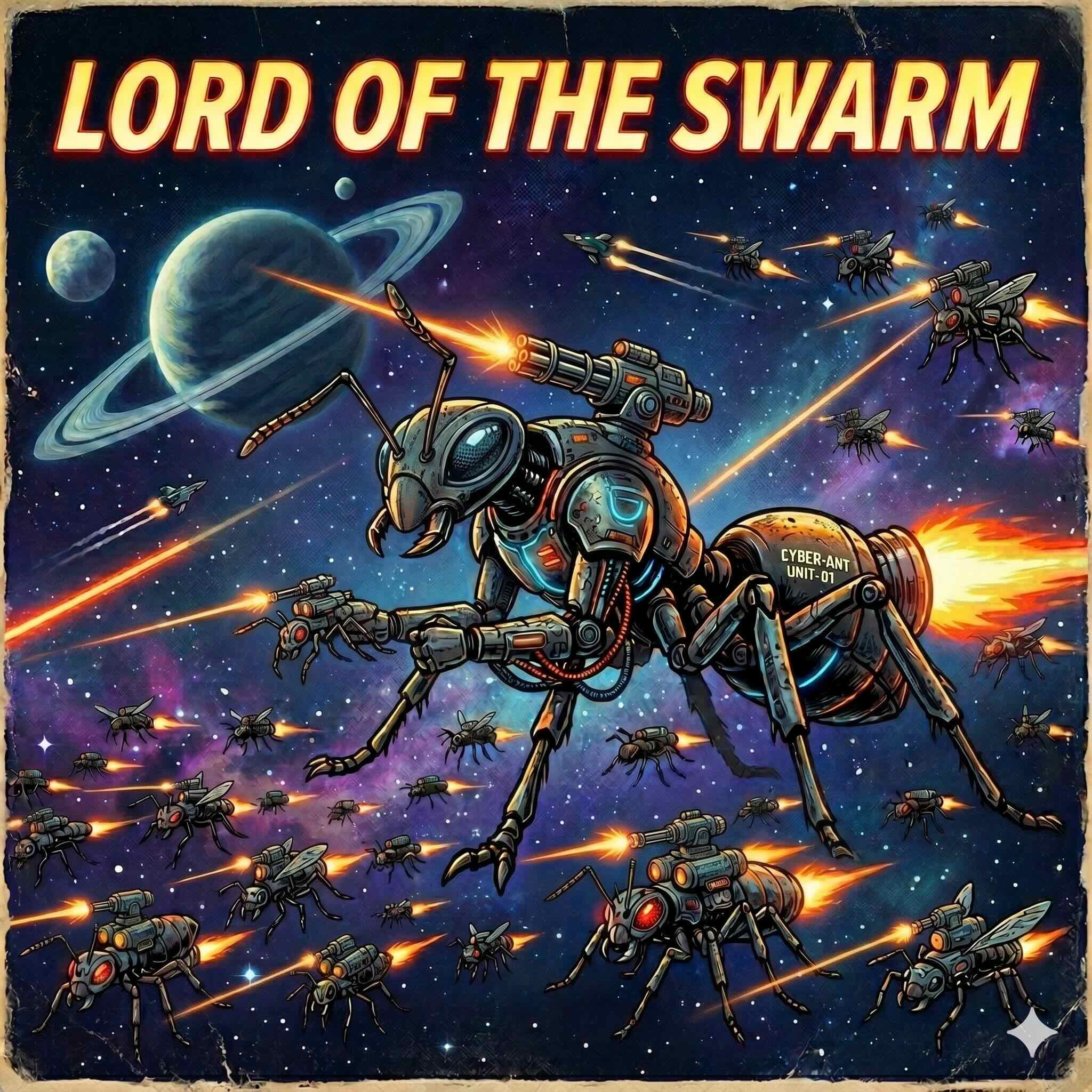
THE ENDLESS WAR
Deep in a forgotten galaxy, swarms wage a war without end.
You are their god. And you will favor the underdog, for the war must go on forever.
Use your powers to shield the weak and humble the strong.
Keep the war in balance, for you win when there is no winner.
Couldn’t load the game — check your connection.

- Tap the Share button — the square with an arrow pointing out of it. Safari keeps it in the toolbar at the bottom of the screen; Chrome, in the address bar.
- Scroll down the list and tap Add to Home Screen.
- Tap Add.
The game then opens fullscreen from your home screen, and plays offline.
- Open the File menu and choose Add to Dock. It is also under the Share button in Safari's toolbar.
- Confirm the name, and click Add.
The game then opens in its own window from the Dock, and plays offline.
Samsung Internet can install the game, but Android shows a red Unsafe app blocked warning first. That warning is about Samsung's installer being out of date — not about the game. Two ways past it:
- Install from Chrome instead. Open swarm.tom.to in Chrome and tap Install there. No warning appears.
- Or install here anyway. Use the button below, then on the warning tap More details and Install anyway.